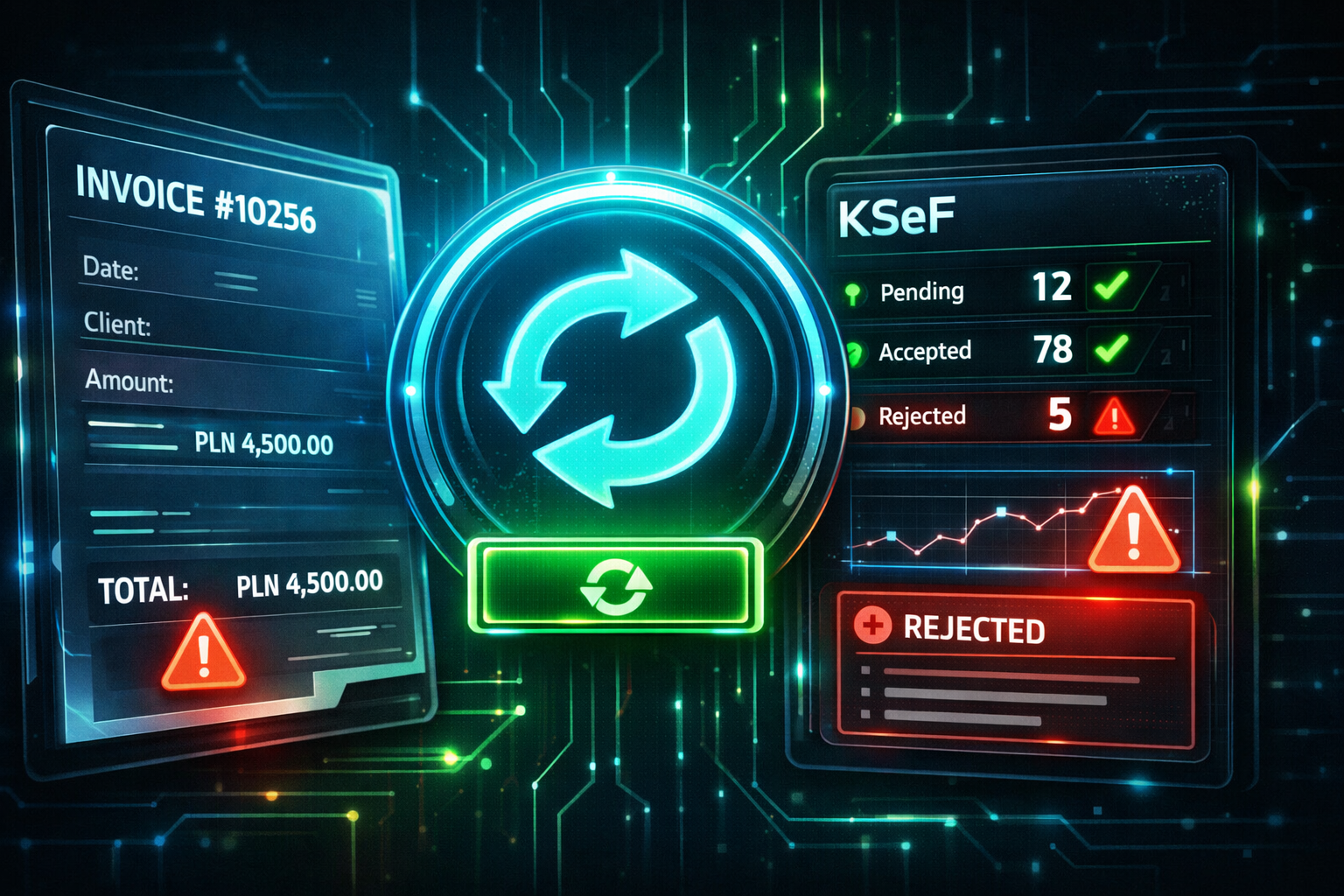
Many companies treat KSeF implementation like a technical checkbox: “We’ll build the integration and invoicing will work.” In reality, KSeF rarely fails on day one — the real problems show up after a few weeks, typically 2–3 months after go-live.
If you launched KSeF and it “works”, focus next on: rejection handling, retry & queue, invoice status visibility, corrections, and monitoring & metrics. That’s how you avoid the “Excel + phone calls” phase.
Why KSeF doesn’t “explode” on day one — it fails later
In the first days after launch, invoice volumes are low, edge cases are rare, and the project team is watching everything closely. The process looks stable.
Then reality arrives: more exceptions, more KSeF corrections, master-data drift between ERP and adjacent tools, staff rotation, vacations, and the inevitable “we’ll do this one manually”. That’s when KSeF integration stops being a connector and becomes an end-to-end operational process.
“Invoices are being sent” doesn’t mean the process works. The real test starts when rejections and corrections become routine.
15 problems that almost always appear after KSeF go-live
1) “Not our problem” — no end-to-end process owner
The classic: IT delivers the integration, then finance is told to “handle the rest”. Nobody owns the full lifecycle: invoice creation → submission → status visibility → correction → closure.
What to do: assign one owner of the process (not the system) and a second person as backup. Make this role responsible for outcomes: exception handling, SLA, escalation, visibility across teams.
2) No scenario for “what do we do when KSeF rejects an invoice?”
KSeF invoice rejection happens. The operational failure is not having a procedure: who gets notified, who fixes the data, where the error lives, how quickly you retry, and how you confirm closure.
What to do: implement a minimal workflow: Alert → Analyze → Fix → Retry → Close. Then connect it to metrics so it doesn’t silently degrade.
3) Retry is manual (or doesn’t exist)
Without queueing and automatic retries, teams fall into “try again” mode — and exceptions pile up. The longer it runs, the more time you lose to manual resubmissions and “did it go through?” conversations.
What to do: add a sending queue with retry policies (e.g., 3 attempts + backoff) and a controlled force retry option for safe reprocessing.
4) Status is not visible to the business (no register + no dashboard)
If the KSeF status is visible only in IT logs, the process will break. Finance and sales need a simple view: Sent / Accepted / Rejected / Pending + timestamp + reason + next action.
What to do: build a small status layer with two parts:
- KSeF register (list view) — a searchable table for finance to filter invoices by state, open details, see rejection reasons and confirm next actions.
- KSeF dashboard (optional but powerful) — trends and KPIs: rejection rate, backlog, time-to-fix, top reasons.
This separation is practical: invoice creation & sending happens in the invoice form, while the KSeF register is where operational control lives. The dashboard is the “management layer” that tells you whether the process is healthy.
5) Corrections blow up the process
The first weeks may look smooth until “real life” appears: KSeF corrections, cancellations, consolidated invoices, advance invoices.
What to do: maintain a corrections checklist and test it using real samples. Make it explicit: what triggers resubmission, what changes in status tracking, and who approves edge cases.
6) Contractor data is “almost OK”
KSeF exposes master-data quality issues brutally: incomplete addresses, inconsistent NIP formats, missing mandatory fields, mismatched VAT dictionaries between systems.
What to do: run a contractor data audit + validation rules before sending (not after rejection). If you fix data only after rejection, you’re building a permanent queue of manual work.
7) Invoices originate in multiple systems
ERP may be the “main system”, but invoices often come from sales tools, service modules, e-commerce, and manual flows. That’s how you get duplicated sends, missing statuses, and mismatched corrections.
What to do: map all invoice sources and define one control point for a single status register + dashboard and retries.
8) People start bypassing the system
If the process blocks work, informal channels appear: “send it by email”, “we’ll fix it later”, “this one is special”. The longer it continues, the harder it is to recover control.
What to do: define exceptions officially: when manual steps are allowed, who approves them, and how they are logged (see audit).
9) No audit trail: who did what and when
Every KSeF issue returns. Without audit logs, you get “not me” conflicts across departments and nobody can confirm what actually happened.
What to do: log at minimum: user, timestamp, action, and result. Make logs searchable and visible to the process owner.
10) No company-level controls for business rules and limits
Company thresholds and rules need consistent enforcement. Otherwise, exceptions become random and hard to explain during audits.
What to do: add reporting + alerts: approaching a threshold → decision required → logged outcome.
11) Attachments turn out to be “not so simple”
If your invoicing relies on attachments (specs, protocols, technical files), you need an operational flow: ownership, SLA, archiving, and retrieval.
What to do: define a separate attachment workflow and connect it to status visibility so finance sees the whole picture.
12) Roles and permissions were never designed
Everything works under one account until someone takes leave — and invoicing stops. This is common after go-live when access management isn’t treated as part of the process.
What to do: define roles: sending / corrections / monitoring / admin, with at least two people per critical role.
13) No test environment and no regression tests
The first ERP update arrives and the integration starts “behaving strangely”. Not because KSeF changed — because you have no controlled regression.
What to do: maintain regression tests for at least 10 invoice types, including corrections and edge cases.
14) No metrics = no control
Without process metrics, you won’t notice degradation until it’s already painful. Metrics also turn “opinions” into facts when departments disagree.
Measure:
- rejection rate (%)
- time to fix
- time to retry / resubmit
- manual exception count
- top 5 rejection reasons
What to do: connect metrics to alerting: spikes in rejections or time-to-fix should trigger action, not silent suffering. If you already have a KSeF dashboard, this becomes obvious. If you don’t — you’ll feel the chaos before you see it.
15) “Integration sends invoices” ≠ “the process works”
This is the core point: a technically correct connector can still create operational pain if ownership, visibility, retries, validation, and monitoring are missing.
What to do: treat KSeF as an operational process, not just a file format. Build the operational layer around it.
KSeF 30/60/90-day plan after go-live
0–30 days: stabilize the basics
- Build a clear list of exceptions and edge cases (prevent bypasses)
- Enable structured logging for rejections (workflow)
- Assign an end-to-end process owner (ownership)
- Launch a simple KSeF register for finance (status visibility)
31–60 days: automate error handling
- Queue + retry policy (retry)
- Alerts + responsibility mapping (who acts on what)
- Data validation rules before sending (master data)
- Correction scenario tests on real samples (corrections)
61–90 days: resilience and scaling
- Metrics + internal SLAs (monitoring)
- Attachment workflow + archiving (attachments)
- Exception controls & thresholds (rules)
- Access & roles security review (permissions)
Minimal operational layer that makes KSeF stable
You don’t need a massive IT project. You need a small operational layer around KSeF:
- a sending queue with retry
- a business-facing KSeF register (status visibility for finance)
- a dashboard (optional) for trends, KPIs and early warning signals
- error reporting (top reasons, volumes, trends)
- audit logs for accountability
- a clear workflow: who fixes what
Alert → Triage → Fix data → Resubmit (retry) → Confirm KSeF status → Close + Audit
If you want to implement this fast (without a big IT project)
If you want KSeF to remain stable after go-live, you need a layer where you can quickly build: a KSeF register, status dashboards, data validation rules, exception handling, and visibility for finance and sales — above ERP and integrations.
If you want a free reference implementation, you can explore how KSeF workflows are handled in the MyCompany (lsFusion) documentation — including sending invoices, tracking statuses in a dedicated register, and downloading KSeF invoices: mycompany-docs.lsfusion.org ↗
FAQ
How should we handle a rejected invoice in KSeF?
Treat rejection as a normal operational path. Use: Alert → Analyze → Fix → Retry → Close, log every step (audit trail), and keep finance updated via a KSeF register (and optionally a dashboard).
Do we really need retries in KSeF integration?
Yes. Without queueing and retries, rejections and temporary outages turn into manual work, creating backlogs, delayed payments, and internal confusion.
Why do KSeF problems appear after 2–3 months?
Because that’s when complexity scales: more corrections, more invoice sources, more data drift (master data), fewer “project eyes” watching the process, and more cross-team handoffs. Weak operational layers start breaking.
Email us your scenario (ERP, invoice sources, corrections, typical rejections). We may suggest a few free, vendor-neutral ideas — and if the topic is interesting, we’ll cover it in a dedicated article. info@devlab.blog ↗
Summary
KSeF is rarely difficult on launch day. It becomes difficult when the company starts living in the new process. If you build process ownership, retries, status visibility, controlled exceptions, and monitoring now — you won’t wake up in manual invoicing chaos in 2–3 months.
Quick feedback
A quick signal helps us prioritize follow-ups.
Related posts
More practical notes about KSeF and operational automation.