1. What you need before you start
To issue an invoice in KSeF you need two things: a way to authenticate and access to the system.
- Authentication — usually Profil Zaufany, a qualified signature, a qualified seal, or a KSeF token generated in the system.
- Permissions — the business owner has them automatically; an employee or accounting office must be granted them in KSeF.
- Invoice data — buyer's NIP, line items, VAT rates, dates. The KSeF format is the structured FA(3) schema.
New to the rules? Start with: KSeF in 2026: timeline and practical preparation ↗ and Free KSeF invoicing software: what are your options ↗.
2. Step by step in Aplikacja Podatnika KSeF (free)
The simplest free route is the government Aplikacja Podatnika KSeF:
- Step 1. Log in to the app (e.g. via Profil Zaufany) and choose the company context (your NIP).
- Step 2. Choose "Issue invoice" and the form based on the FA(3) schema.
- Step 3. Fill in the data: seller, buyer (NIP), line items, VAT rates, sale and issue dates.
- Step 4. Review the summary — the system validates required fields and basic logic.
- Step 5. Send the invoice. Once accepted, KSeF assigns it a KSeF number and generates UPO (official confirmation of receipt) — proof the document was accepted correctly.
The issue date of a structured invoice is, as a rule, the date it was sent to KSeF. Keep the KSeF number and UPO — they confirm the document flow.
3. Common cases
- Correction invoice — also issued in KSeF, referencing the KSeF number of the original invoice.
- Prepayment invoice — supported by the FA(3) schema; remember to link it to the final invoice.
- Sale to a private individual (consumer) — special rules apply here; check the current guidelines before treating it as a rule.
- Flat-rate / small firm — the issuing mechanism is the same; the scope of data and settlements differs.
4. When to automate (instead of typing by hand)
Manual issuing in the government app is fine for a few invoices. When there are many — or they arise from orders, warehouse or e-commerce — it's worth having the invoice created automatically in your system and sent to KSeF on its own. That's where programs come in: paid packages or free open-source.
-
MyCompany
— a free open-source ERP (Apache-2.0) on the lsFusion platform.
Pro: it's a full ERP — invoices arise from orders/warehouse, process automation; the public demo includes invoice issuing. Con: as a platform it usually needs configuration for your processes — a higher entry bar than a simple app. -
Dolibarr
— a mature open-source ERP/CRM with a large community.
Pro: plenty of ready modules, proven in thousands of firms. Con: Polish KSeF support is usually via third-party modules, not out of the box. -
Invoice Ninja
— a lightweight open-source invoicing app.
Pro: simple and fast to start, focused on invoices and payments. Con: not a full ERP; no KSeF-specific features.
5. Most common mistakes — what to check
- wrong buyer NIP or a typo in the data — validation catches it, but slows you down;
- missing permissions for an employee/office — the invoice "won't send";
- KSeF number / UPO not saved — harder to confirm the flow later;
- treating KSeF like a PDF — it's structured XML, not an attachment.
6. Summary
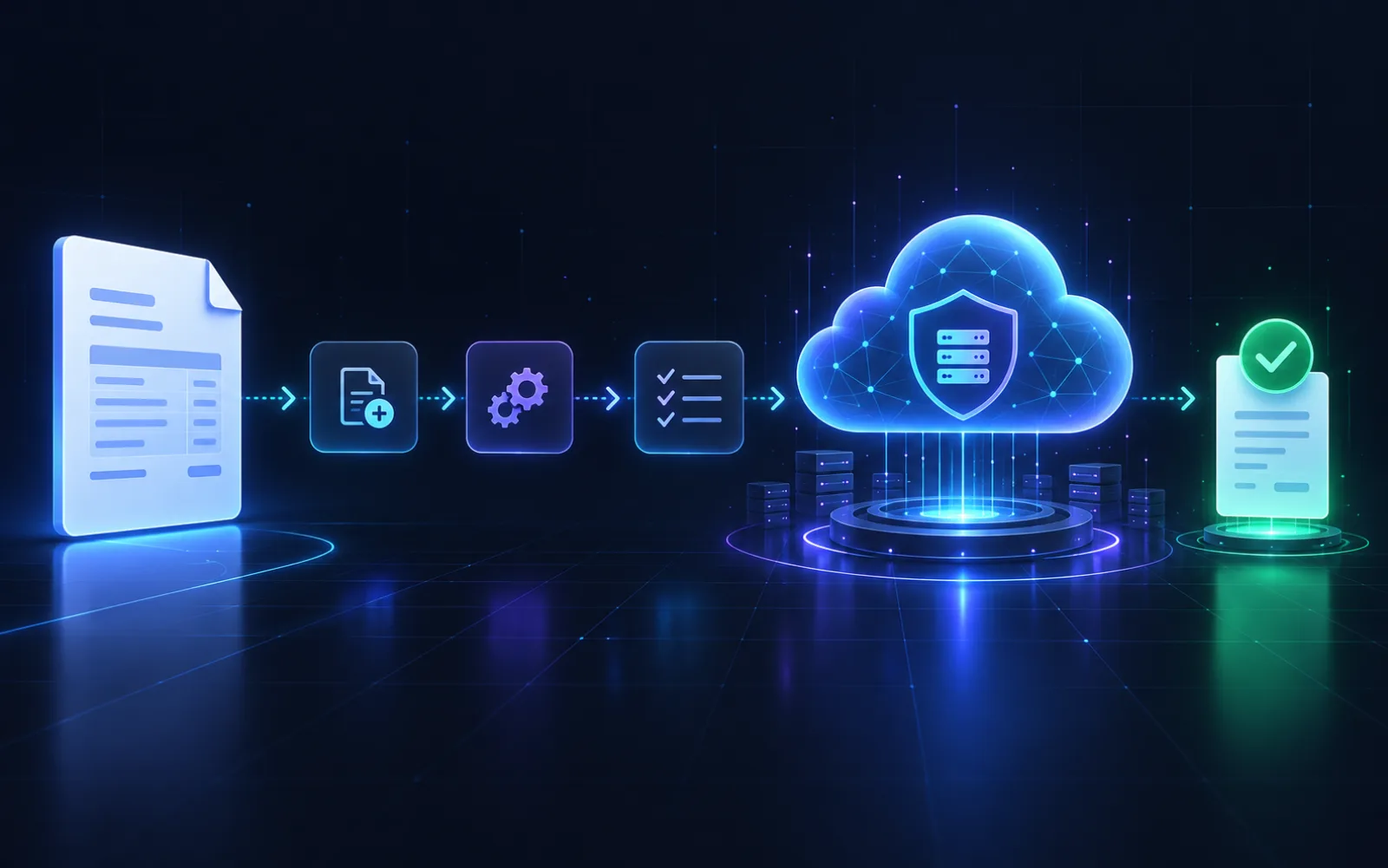
Issuing a KSeF invoice comes down to: authenticate → fill in FA(3) → send → receive the KSeF number and UPO. You can do it for free in Aplikacja Podatnika KSeF; at larger scale it's worth having invoices created automatically in your system — paid or open-source.